Guide for brands
How does Vibemetri work for brands?
Six steps from defining your brand to your next brief. For each step we explain what you do and what you see.
Vibemetri in six steps
A Getting started list greets you on your dashboard.

Define your brand
Reports and Discover get sharper the better they know your brand. You define it once on the Brands page and every campaign uses it.
- Add your competitor brands: they show up separately when mentioned in comments and in influencers' past collaborations.
- Enter your influencer criteria (category, audience, size); fit in Discover is calculated against them.
- Choose the name influencers see: brand only, agency only or "Brand / Agency".
- Agency? Add client brands under one account; the brand picker in the sidebar filters every screen to the brand you choose.
Choose your influencers
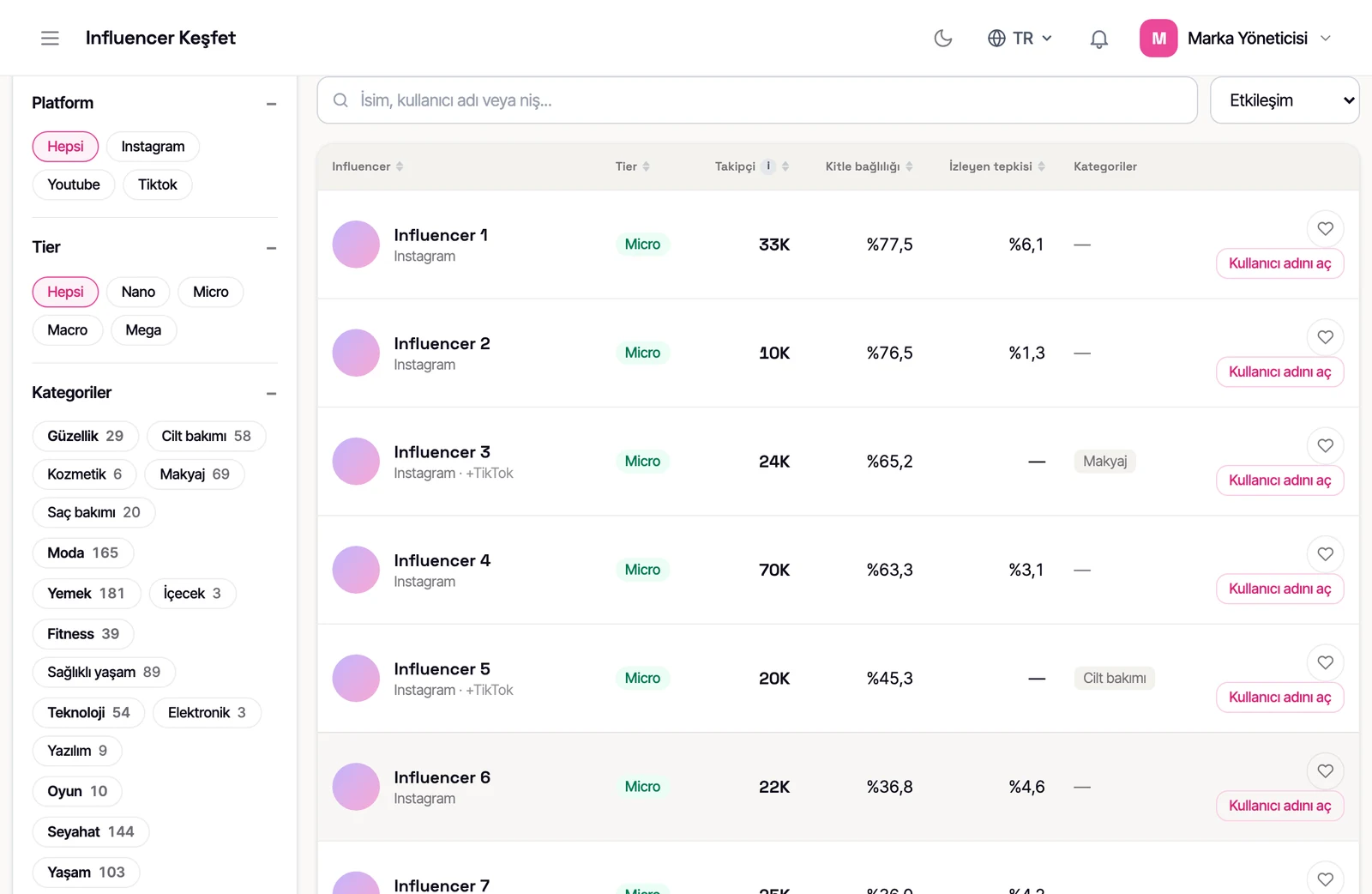
Pick from Vibemetri's Instagram, TikTok and YouTube pool or upload your own list. One person is one row; if they're on several platforms, each platform has its own tab in their detail.
- Filter by category, city, follower range and engagement; apply your brand criteria as a filter in one click.
- Use the "worked with my competitors" filter to find or exclude accounts that have collaborated with your competitors.
- See account health in the influencer detail: follower change, usual engagement, engagement and view trend charts, posting rhythm.
- See how many of the last 25 posts were ads and whether ad posts are watched as much as regular posts.
- See the brands they've worked with, labelled "confirmed / detected / probable"; mark your competitors.
- Add the ones you like to your shortlist or paste the list you have; accounts outside the pool are fetched from the platform.
- If the influencer has published their VibePass, you see a "VibePass is live" strip in their detail.
List upload, brands worked with, ad performance and contact reveals from the Pro plan.
13 of this account's last 25 posts are ads. How well are its ads watched?
See it on your own data →Set up your campaign
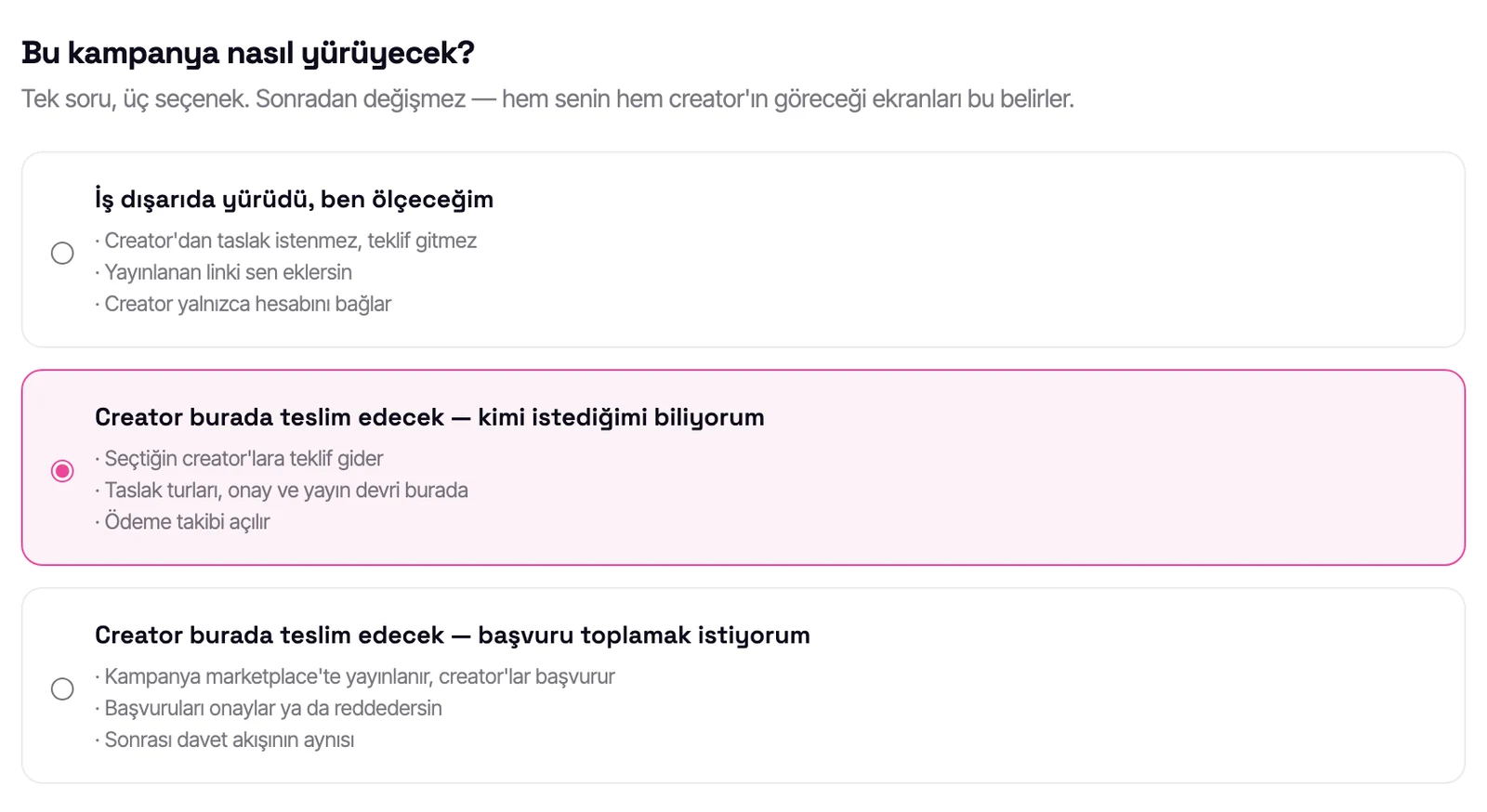
When you open a campaign you choose one of three shapes; the shape is set when the campaign is created. In the wizard you enter the brand and product name, the brief, the target audience and the campaign goal; the report measures against them.
- The work ran elsewhere and you'll measure it: no offer, no drafts. You add the published link; the post picker brings only ad-tagged posts.
- You know who you want: an offer goes to the influencers you choose; draft rounds, approval, publishing handover and payment tracking happen on the platform.
- You want to collect applications: the campaign is published in the Marketplace, influencers apply and you approve; after that it's the same as the invitation flow.
- When inviting, candidates from your shortlist come first. Invitations to influencers without a platform account go to their public email addresses.
- You write the brand and product name once in the wizard; they're counted correctly in comments even with abbreviations and spelling variants.
Get the report
Once the content is published you add its link and start the report. Comments are collected and analysed; the report is usually ready within minutes and finishes in the background even if you close the page.
- Outcome verdict: says what the campaign was in one sentence (e.g. "The product was discussed, the questions went unanswered").
- Conversation focus: whether comments went to the product or the influencer; praise without a clear target is shown separately.
- General sentiment and product sentiment are measured separately.
- Questions: how many were asked, how many answered, which are waiting; purchase questions are listed one by one with their comments.
- Views are read against the influencer's own usual; if views and audience response move apart, the report flags it.
- Ad disclosure check under Turkish and UK rules.
- Other brands and your competitors mentioned in the comments.
- Next brief: messages to repeat, objections to close, questions to answer.
- Get the report in Turkish or English.
Compare the campaign
The Campaign performance page puts every influencer and every post in the campaign side by side.
- See who leads in each area.
- Who was watched most and who got the product talked about most: the two separately.
- Every post in one table.
- Findings: topics shared across influencers and negative comments that spread.
- Next-brief suggestions in topic cards; the comments behind them open on request.
- Download the table as CSV; share the page with your team or client via a link that needs no account.
Two influencers, one brief. One was watched most; the other got the product talked about.
See it on your own data →Carry it into the next campaign
VibeCompass (beta) reads a brand's campaigns side by side and shows what changed in each one.
- See what improved and what declined from campaign to campaign.
- Save topics you want to follow (e.g. a price objection); later campaigns bring the same topic side by side.
- The previous report's suggestions appear in the brief step of your new campaign.
- See how far the items in your brief made it into the content.
VibeCompass is on the Premium and Enterprise plans.
The brand's name in comments went from 0.9% to 14.5%. What changed for you?
See it on your own data →What is a pre-analysis?
A pre-analysis lets you read one of an influencer's real collaborations before you decide to work with them. No campaign to set up, no account to connect: you paste the link to a published post the influencer made for a brand before, and that post is analysed as if it were a campaign.
You want to work with an influencer and their account health looks good. But you don't know how they perform in a campaign. Paste the link to one of their past collaborations; Vibemetri reads that real post: did the audience talk about the product or the influencer, what did they ask, what did they object to. Before you sign, you see a rehearsal of what could happen in your own campaign.
- Find one of the influencer's past ad posts (their detail page lists the ads among their last 25 posts).
- Paste its link into a pre-analysis.
- Read the report: the conversation, questions, objections and next-brief suggestions.
Pre-analysis or deep campaign report?
| Pre-analysis | Deep campaign report | |
|---|---|---|
| Input | The link to any published post | The post links inside your campaign |
| Setup | No campaign or account connection needed | Measure the campaign or run it end to end |
| Conversation, questions, next brief | Yes | Yes |
| Brief fit and campaign goal | — | Measured against your brief and goal |
| Audience demographics | — | Once the influencer connects their account |
| Campaign performance page | — | Every post and influencer side by side |
Connected accounts deepen the report.
The report starts with public data. When the influencer connects their account through the official platform permission, data only the account owner can see (reach, saves, shares, watch time and audience demographics) goes into the report too. In a measurement campaign you can send a connection request to an influencer whose post you added.
Take the first step today.
Your first report is free. Start with the link to a post from your campaign.